-1.png?height=120&name=Quartet%20logo%20(light)-1.png)
The “Home” page is where the user can switch between projects and create new projects.
Quartet takes a project-based approach to organization within the system. When a user begins searching, they must either create a new project or select an existing project.
To create a new project, click the "New Project" button near the upper right of the Home page. The user is given three organizational fields: “Reference,” “Project name,” and “Project description”. The user must enter text into at least one of the “Reference” field or the “Project name” fields, but text entry into the “Project description” field is optional.
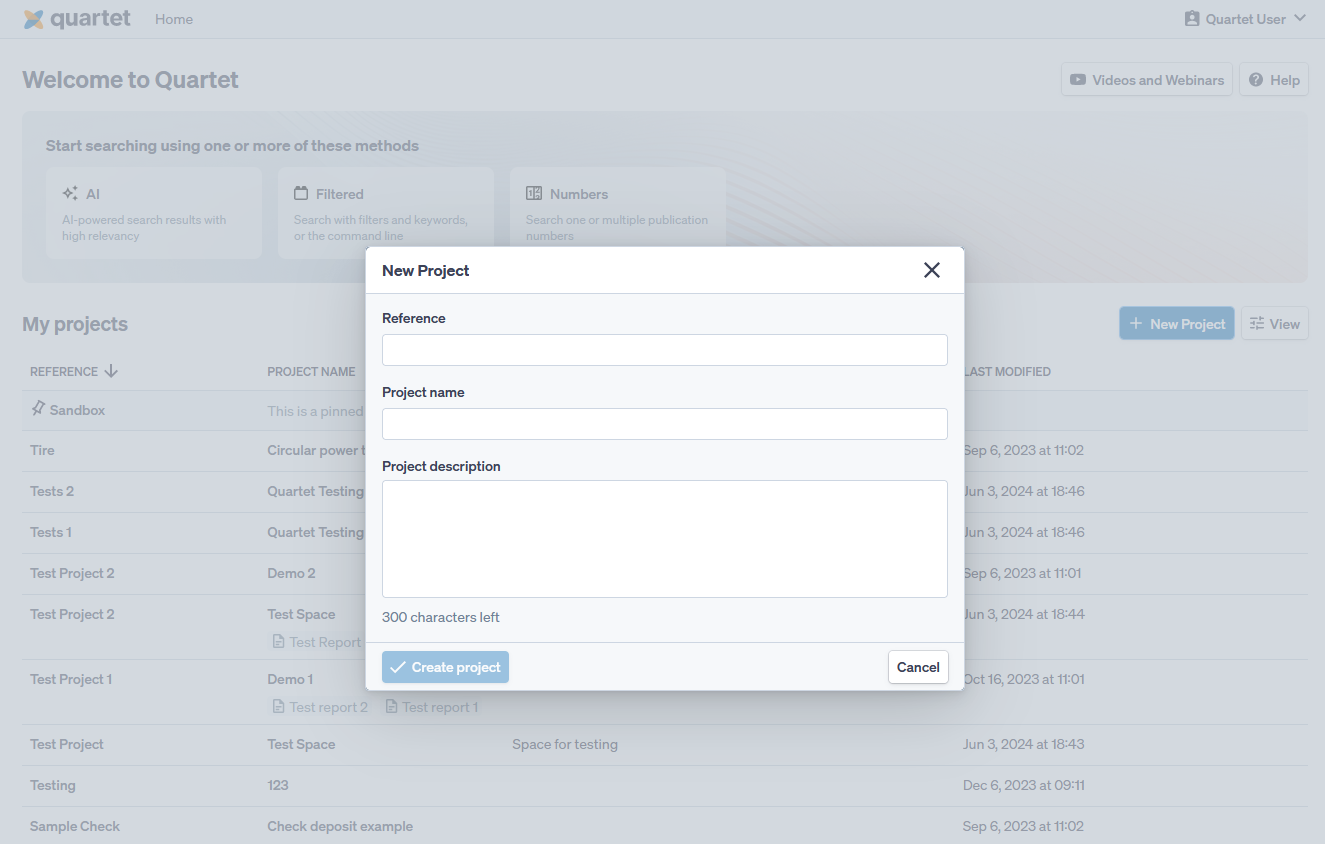
There is also a “Sandbox” project pinned to the top of the list of projects on the Home page. The Sandbox is always available and acts as a quick search environment a user can use to quickly run some strings without having to create a separate project. The Sandbox “project” can be treated as the “junk drawer” of search projects.
The user is automatically taken to the Timeline tab upon creating a project. The user can always go back to the “Home” page to navigate to different projects. To open an existing project, select the project by clicking anywhere on the row corresponding to the desired project.