-1.png?height=120&name=Quartet%20logo%20(light)-1.png)
The directory allows the user to easily navigate backward in the system in addition to providing clarity to what project or search string the user is currently viewing.
A directory navigation is at the top of every page within Quartet.
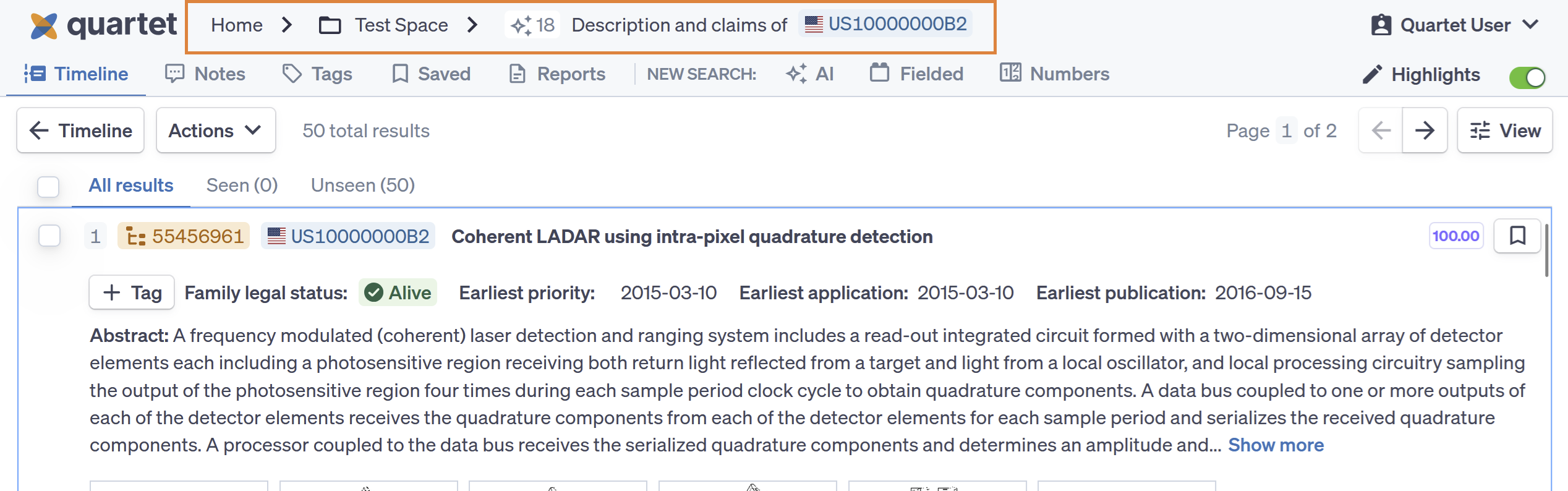
The user can click on each step in the directory to move back to the “Home” page, Timeline, or Results view for search query results. The directory provides additional details for currently selected search string such as the number of the string and the search method with which the was run using the same “Query” icons as shown on the Timeline (Fielded, AI, Numbers, Command line).
When running an AI Search, the directory will display the entirety of the AI text input. If this is too long to display, it will be truncated, however, hovering over the truncated text will display the entirety within a pop-up box.